Black Cat PFP
A black cat pfp is quiet confidence in a tiny circle. Deep black fur, glowing eyes and a calm expression give a profile an elegant, slightly mysterious feel — without saying a word. Whether you want a dark, moody avatar or a soft, cute black cat for your main account, this collection covers both sides of black.
Every image on this page is free to download for personal profile use. Tap any image to preview it in a circle — exactly how others will see it — then hit the download button underneath it. No sign-up, no watermark, and every file is lightweight WebP.
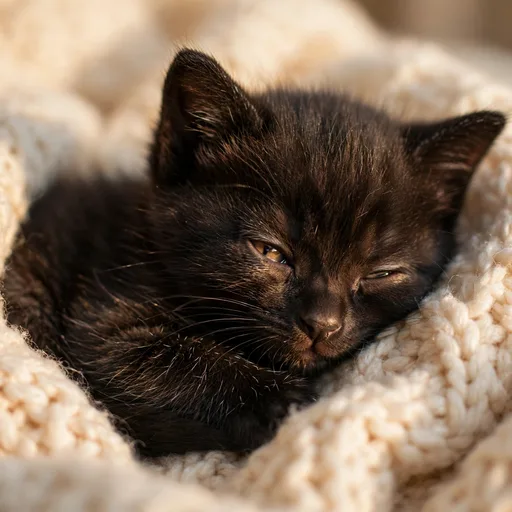
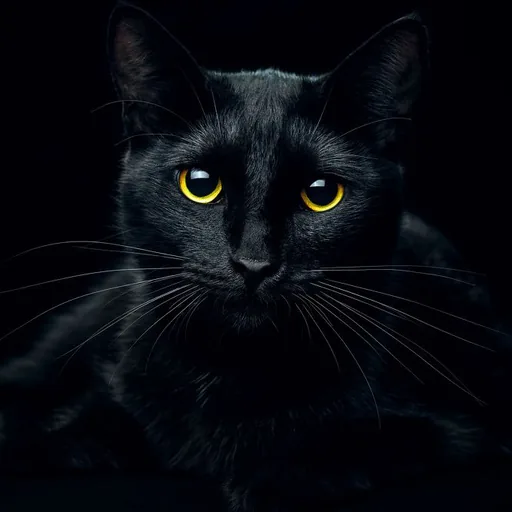
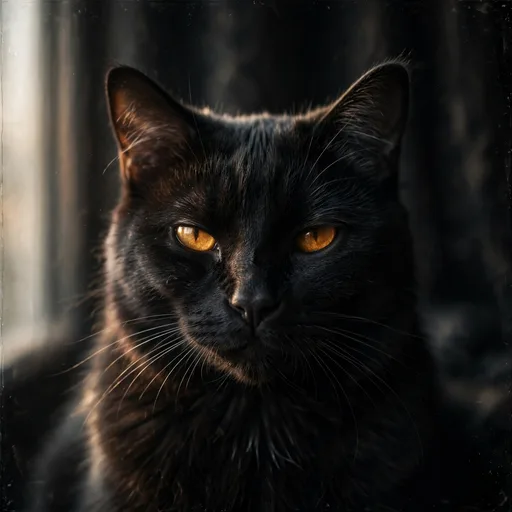
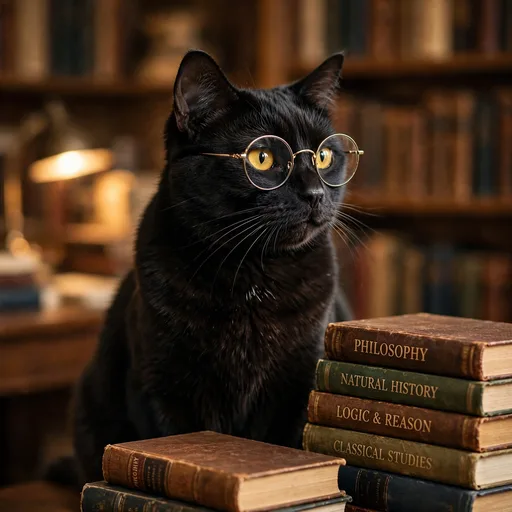
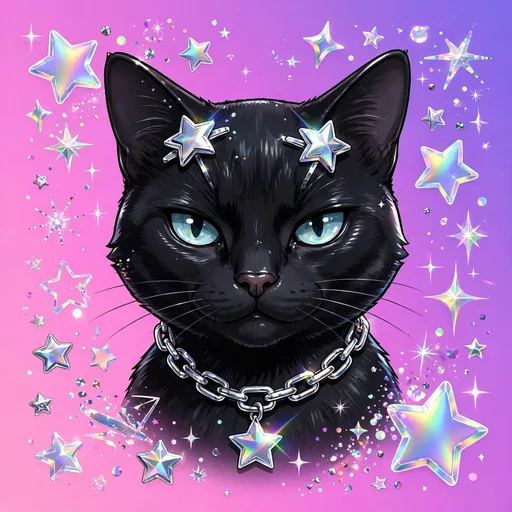
Black Cat PFP Gallery
Every black cat PFP below is free to download in WebP, JPG or PNG — with all three format buttons under every image. Tap any picture for a big preview.
Black Cat PFP for Discord
DownloadDiscord is where black cats shine brightest. On a dark background, a black cat with bright eyes and strong contrast stays readable at 32 pixels, while a flat, low-contrast photo disappears into the theme. For a black cat pfp discord pick, choose a tight face crop, visible eyes and a clean background — that is what survives dark mode and heavy compression.
If your server is dark-themed, this is the safest and sharpest style you can pick. See the full Cat PFP for Discord collection for more dark-mode picks.
Aesthetic Black Cat PFP
DownloadAn aesthetic black cat pfp is a mood, not just a colour: moody light, minimal composition, soft grain and a cat that looks like it belongs on a curated feed. These are the favourites for studygram, journaling and slow-living accounts — anywhere the whole profile has a look and the picture has to match it.
Keep the edit simple. One cat, one light source, and enough contrast that the silhouette still reads in a small circle.
Y2K Black Cat PFP
DownloadA y2k black cat pfp brings back 2000s energy: chrome details, stars, sparkles, retro filters and a playful, glossy finish. It is the same black cat, but louder — made for TikTok, throwback feeds and profiles that do not take themselves too seriously.
Y2K edits work best when the cat’s face stays clear under the effects. If the filter hides the eyes, the avatar stops reading at small sizes.
Cute Black Cat PFP
DownloadBlack does not have to mean serious. A cute black cat pfp — tiny paws, a sleepy blink, a small smile against dark fur — is soft and mysterious at the same time. These are the picks for main accounts where you want warmth, but with a calmer, more elegant feel than a bright, colourful kitten.
For the softest versions, look for gentle light on the face and a relaxed, curled-up pose rather than a dramatic stare.
Black Cat PFP for Instagram
 Download
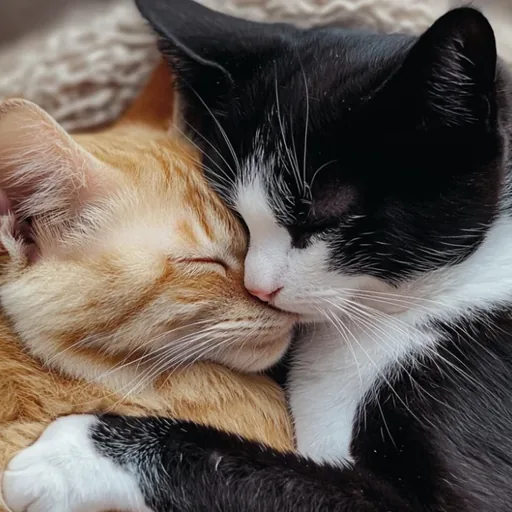
Instagram shows your picture small, next to your name, on every comment and story reply. A black cat for Instagram needs one clear face and a background that is lighter than the fur, or the cat melts into the frame. A window-lit portrait, a light wall, or a soft glow behind the cat all help the silhouette hold its shape.
Keep the same black cat for a while so friends recognise you instantly in a busy feed — consistency matters more than changing the picture every week.
Black Cat PFP for TikTok
DownloadOn TikTok your picture sits beside fast-moving comments, so it has to read in a second. The strongest TikTok picks are bold close-ups: glowing eyes, a smug expression, or a dramatic side profile. If your videos are playful, lean toward the Y2K or cute end of black; if they are moody or cinematic, lean aesthetic.
Black Cat PFP with Glasses
DownloadA black cat with glasses is the scholar version of mysterious: cosy, clever and a little funny. These are favourites for book accounts, studygram and cozy profiles, and they pair well with a dark, minimal feed. The dedicated Cat with Glasses PFP collection has more of this style.
How to Choose the Perfect Black Cat PFP
Tip 1
Match the mood to the account. Mysterious and aesthetic for themed profiles, cute black for main accounts, Y2K for playful feeds.
Tip 2
Check the contrast first. Black fur needs a lighter background or bright eyes, or the avatar vanishes in dark mode.
Tip 3
Crop tight on the face. At small sizes, eyes and expression matter more than the background.
Tip 4
Preview in a circle first. Square corners disappear on almost every app, so check the round crop before you commit.
Tip 5
Stay consistent. Using the same black cat for a while helps people recognise you instantly in busy chats and comment sections.
How to Set Your Black Cat PFP
On Discord: Settings → User Profile → click your avatar → upload the downloaded image → adjust the circle crop → Save. On Instagram: Profile → Edit Profile → Change profile photo → choose your black cat PFP → centre it in the circle. On TikTok: Profile → Edit Profile → Change photo → upload, crop tight on the cat’s face, and save. On WhatsApp: Settings → tap your photo → Edit → choose from gallery.
Black Cat PFP FAQs
A black cat PFP suggests a calm, elegant and slightly mysterious personality — sophisticated taste with a soft side, since it is still a cat.
A high-contrast image with a tight face crop and clearly visible eyes. Bright eyes against dark fur stay readable at Discord’s small avatar sizes, including in dark mode.
Yes. Every PFP on PfpCat is free to download for personal profile use. Just use the download button under any image.
All images are WebP — small in size, sharp in quality, and supported by Discord, Instagram, TikTok and WhatsApp. Each file is kept under 90 KB so uploads never fail for size.
A black cat PFP is the broad style — any black cat avatar. An aesthetic black cat PFP leans into mood: moody light, minimal composition and a curated, calm look. Many images are both; the Aesthetic Cat PFP collection leans into the mood side.
Yes — pick a cute black cat with soft light, or a portrait with a light background, so the silhouette still reads against a bright feed.
More Cat PFP Collections
Love the soft side instead? See the Cute Cat PFP collection, or start from the main Cat PFP collection for every style.